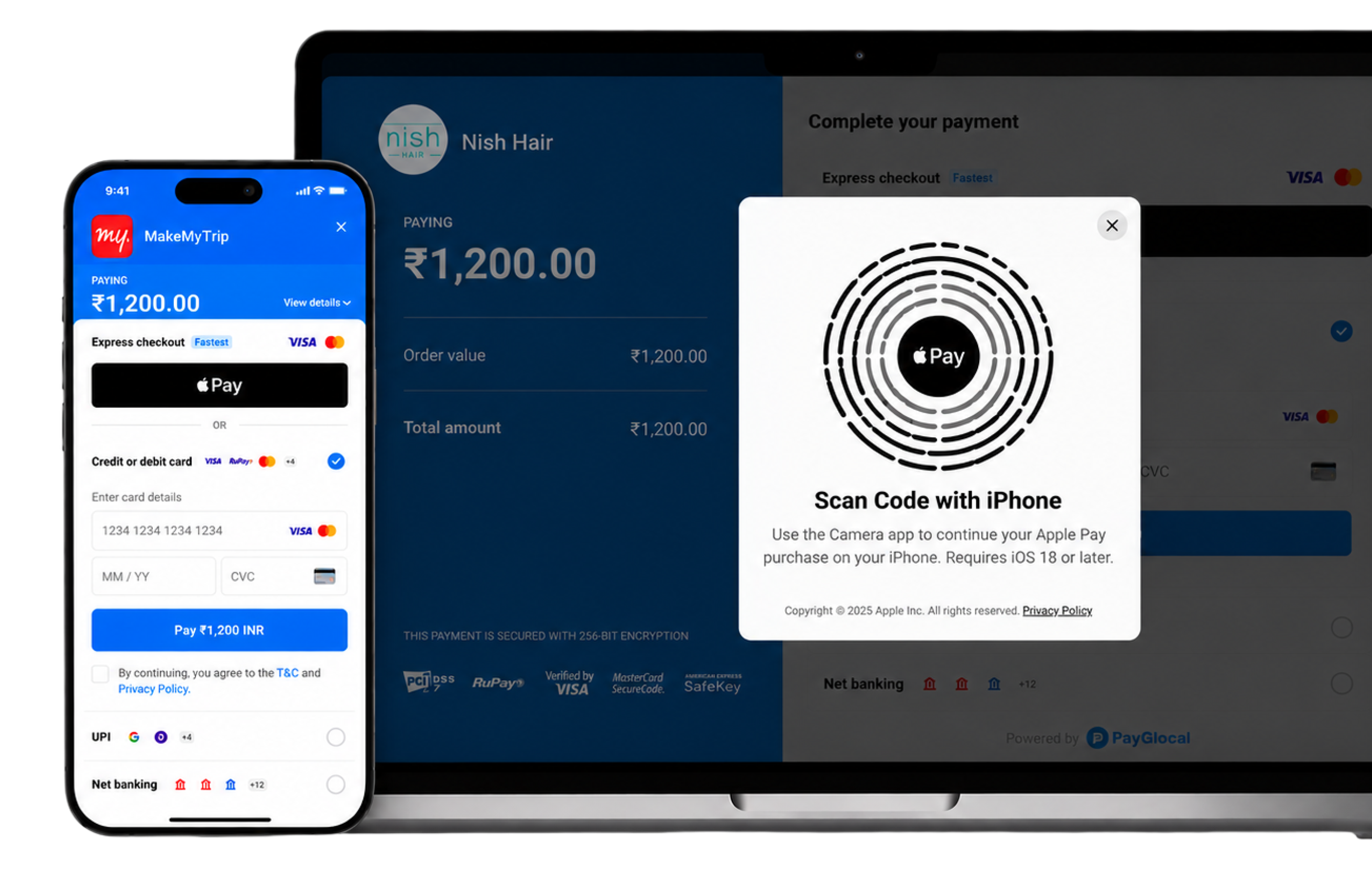


Grow your business with Apple Pay.
PayGlocal brings Apple Pay to your checkout, making payments in India and across the world faster, simpler and more secure. Give your customers a seamless way to pay across supported devices and browsers, while your business reduces checkout friction, improves conversions and drives more sales.
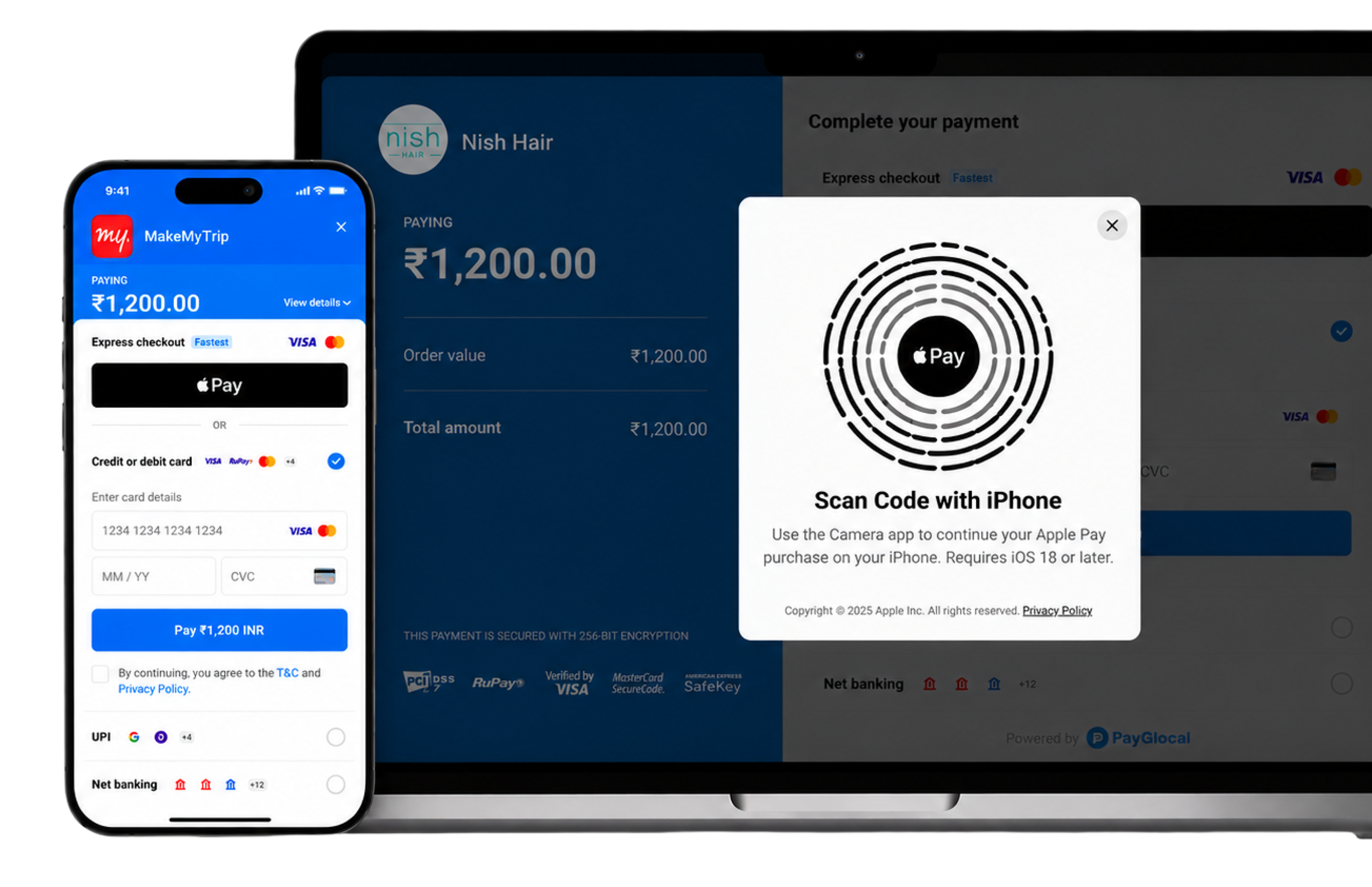
A checkout your customers already trust.

Frictionless online checkout.
Consumers can pay in seconds, even from the product page. No lengthy forms to fill out manually or a one-time password needed.
Designed to be secure.
Transactions require biometric authentication, like Face ID and Touch ID, or the cardholder's passcode, which helps provide another layer of protection against fraud.
Reduced fraud-related costs.
With Apple Pay, debit and credit card numbers are tokenised. This helps reduce the risk of fraudulent transactions and chargebacks.
Available on all Apple devices.
With Apple Pay, consumers can pay on iPhone, Apple Watch, iPad, Mac, and Apple Vision Pro. They can also use it across PC and browsers like Chrome and Firefox.
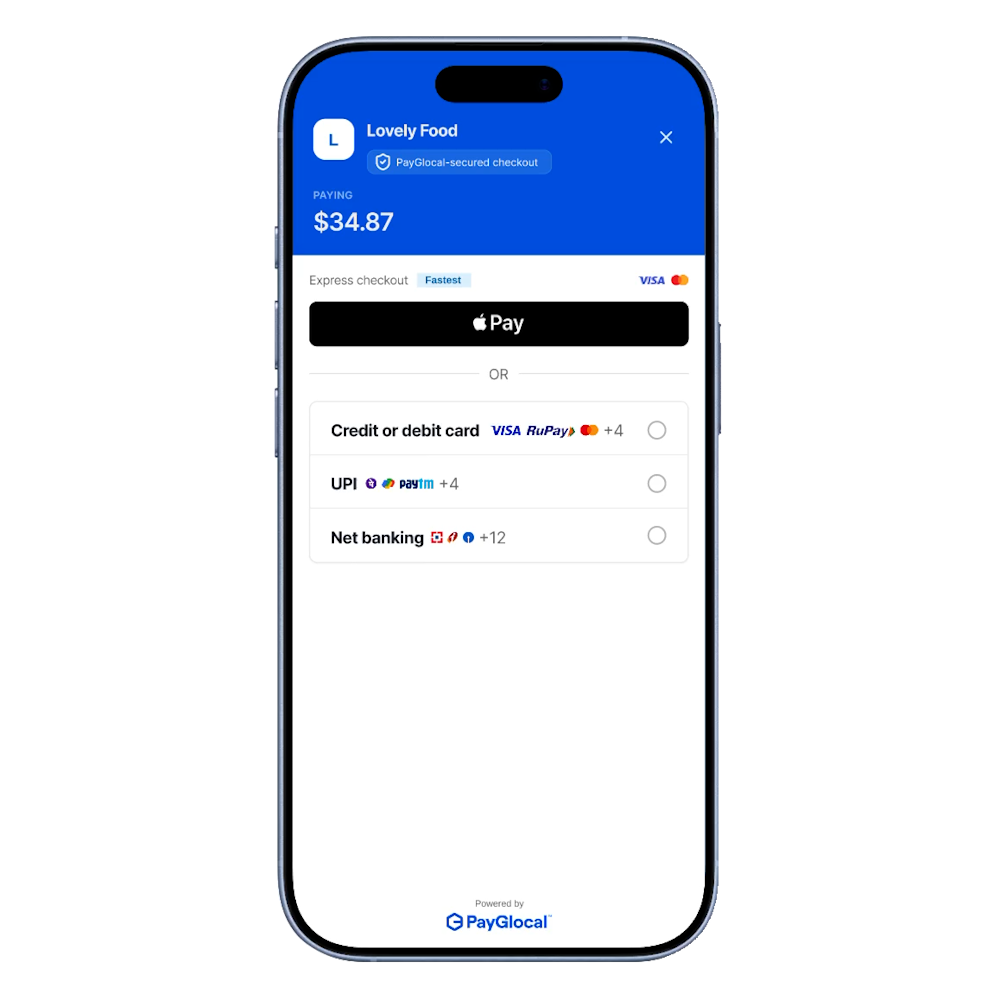
A Trusted Payments Platform.
Industry data backs up what merchants see in production: Apple Pay checkouts complete up to 5x faster than manual card entry, and businesses that enable Apple Pay report meaningful gains in cart conversion and repeat purchases. For a payment method used by hundreds of millions of shoppers across iPhone, iPad, and Mac, that speed advantage compounds at scale.
Easy Integration
Add Apple Pay to your checkout through the PayGlocal dashboard, no engineering sprint required. Toggle it on, verify your domain with Apple, and Apple Pay appears at checkout automatically for eligible customers.
For custom checkout flows, PayGlocal's REST API and SDKs let you control the Apple Pay button placement, styling, and merchant validation server-side, so it fits your existing payment stack instead of replacing it.
Already built on Shopify, WooCommerce, Magento, or Amazon Pay infrastructure? PayGlocal's Apple Pay integration works across major commerce platforms, so multi-platform merchants get one consistent Apple Pay setup instead of a separate integration per storefront.






A Trusted Payments Platform.
Industry data backs up what merchants see in production: Apple Pay checkouts complete up to 5x faster than manual card entry, and businesses that enable Apple Pay report meaningful gains in cart conversion and repeat purchases. For a payment method used by hundreds of millions of shoppers across iPhone, iPad, and Mac, that speed advantage compounds at scale.
Easy Integration
Add Apple Pay to your checkout through the PayGlocal dashboard, no engineering sprint required. Toggle it on, verify your domain with Apple, and Apple Pay appears at checkout automatically for eligible customers.
For custom checkout flows, PayGlocal's REST API and SDKs let you control the Apple Pay button placement, styling, and merchant validation server-side, so it fits your existing payment stack instead of replacing it.
Already built on Shopify, WooCommerce, Magento, or Amazon Pay infrastructure? PayGlocal's Apple Pay integration works across major commerce platforms, so multi-platform merchants get one consistent Apple Pay setup instead of a separate integration per storefront.
Frequently Asked Questions.
Enabling Apple Pay through PayGlocal doesn't add a separate setup fee on top of your existing payment processing agreement. You pay standard transaction processing rates, the same as any other supported payment method.
Most merchants can enable Apple Pay through the PayGlocal dashboard in a few business days, since domain verification with Apple is the main step outside PayGlocal's control. Custom API integrations may take longer depending on your existing checkout setup.
No. PayGlocal's no-code toggle adds Apple Pay to an existing checkout without a rebuild. If you use a custom checkout flow, the API integration adds Apple Pay alongside your current payment methods rather than replacing them.
Yes. Apple Pay uses device-specific tokenization and biometric authentication instead of transmitting real card numbers, which typically results in lower fraud and chargeback rates than standard card-not-present transactions.
PayGlocal's Apple Pay integration works with major commerce platforms including Shopify, WooCommerce, Magento, and Amazon Pay-based storefronts, along with custom checkouts built on PayGlocal's API.
Apple Pay is supported across the countries and currencies PayGlocal already processes for, so cross-border merchants can offer it alongside their existing local and international payment methods.
Merchants generally see faster checkout completion and fewer abandoned carts with Apple Pay enabled, since customers skip manual card entry and OTP steps. Section 4 above covers the specific conversion and checkout-speed figures.
Apple Pay is not available in all markets. See apple.com/ios/feature-availability/#apple-pay for more information.
Features are subject to change. Some features, applications, and services may not be available in all regions or all languages and may require specific hardware and software.