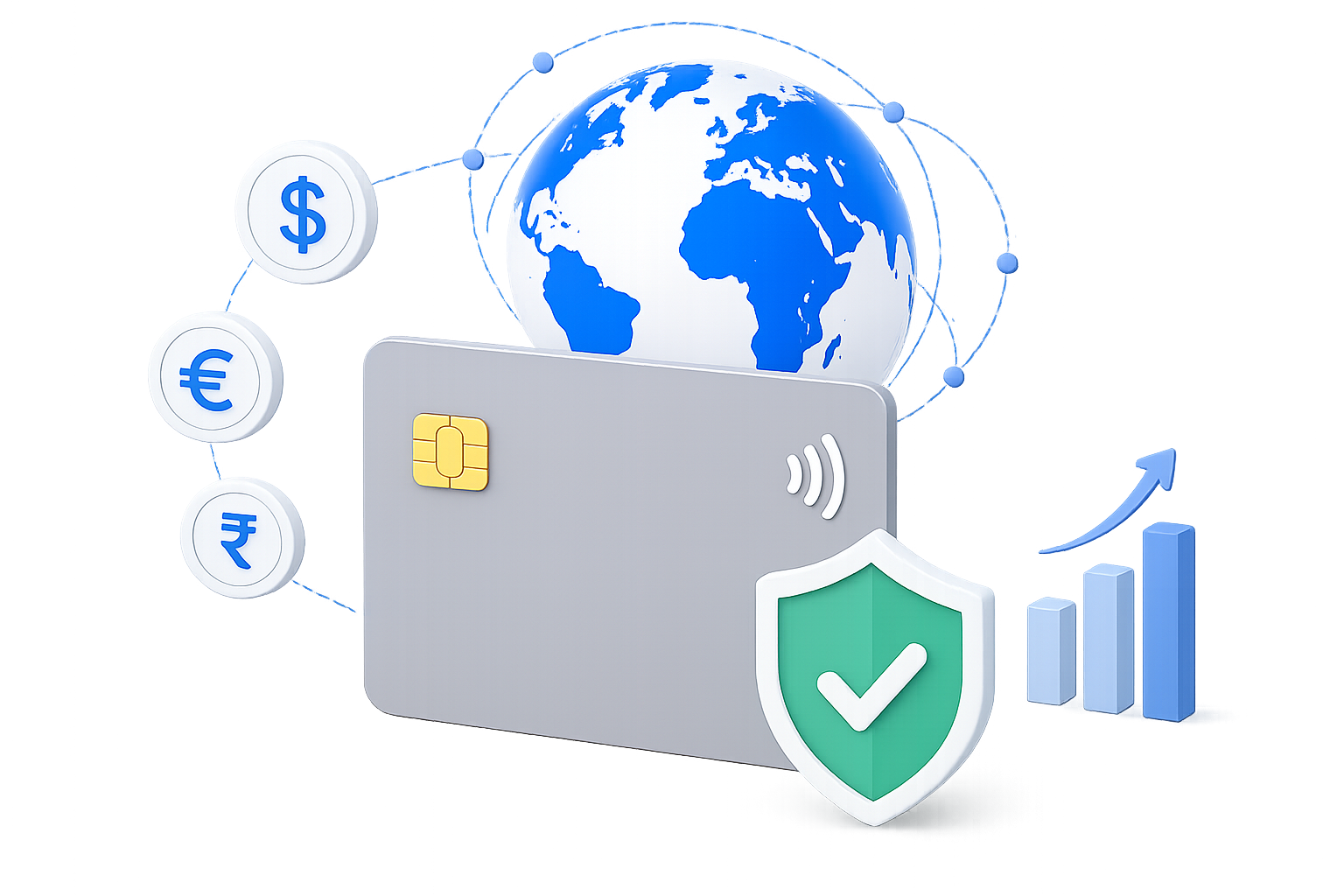
The global POS market is projected to reach $20.67 billion by 2029, growing at a compound annual growth rate (CAGR) of 25.3%. This growth is driven by increased emphasis on data security, the rise of mobile and contactless payments, and businesses' global expansion.
This blog discusses the core components of a point-of-sale system, understands the different types, and explores how it facilitates seamless transactions.
The global POS market is projected to reach $20.67 billion by 2029, growing at a compound annual growth rate (CAGR) of 25.3%.
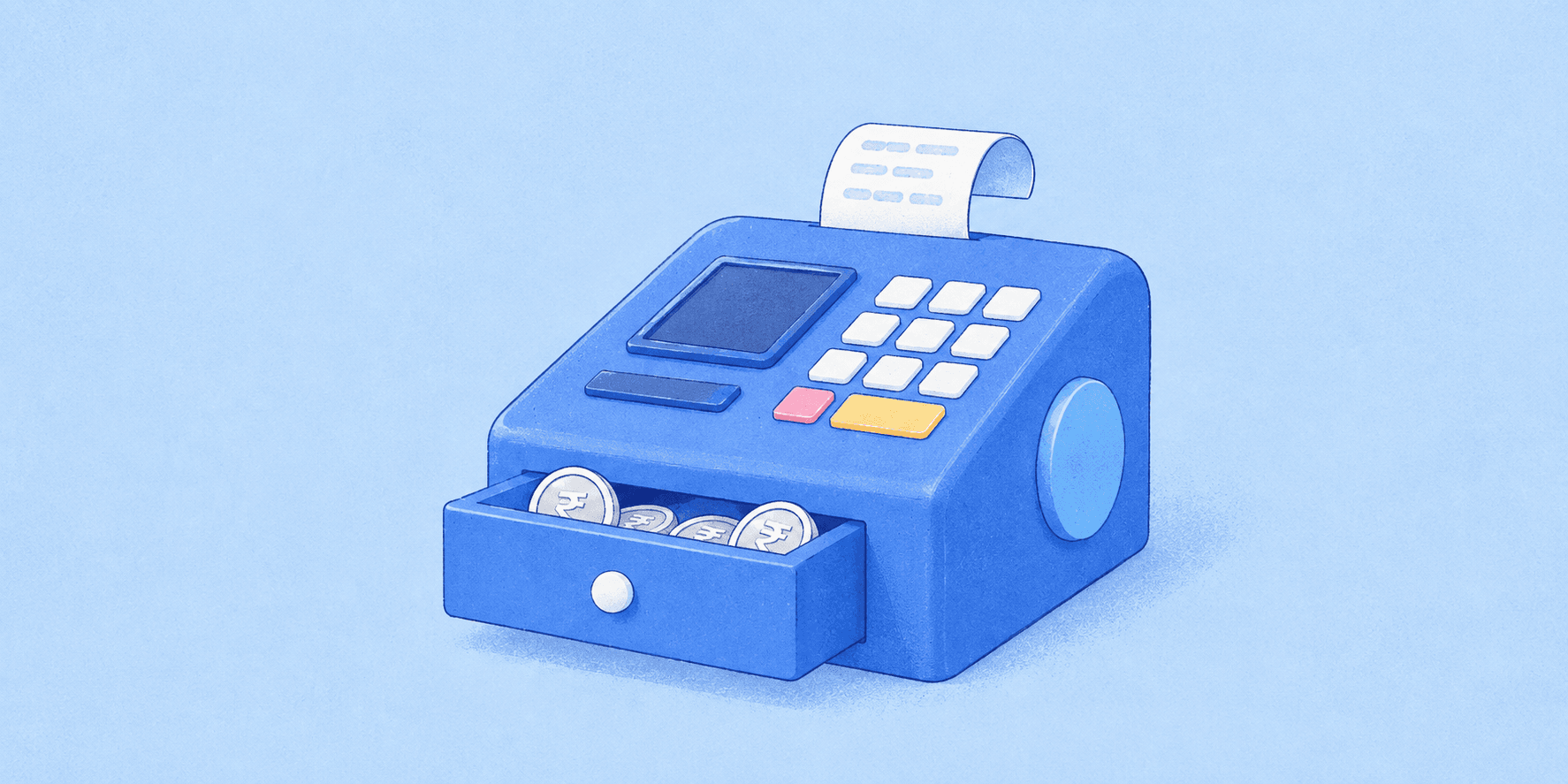
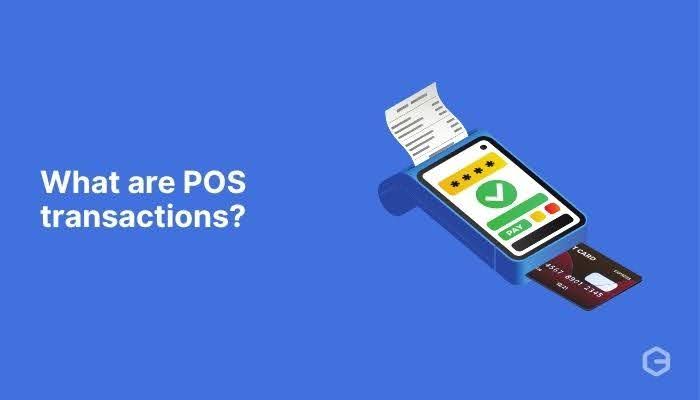
A Point of Sale (POS) is the system where customers pay for goods or services. It is the final step in the sales process where the transaction is completed. A POS system includes hardware like a cash register, card reader, receipt printer, and software that manages sales, inventory, and payment processing.
POS systems can be used in physical stores, online platforms, dining at a restaurant, or mobile apps. They enable businesses to accept various payment methods, such as credit/debit cards, digital wallets, or cash payments.
Offline POS Transaction
In a physical clothing store, a customer selects an item, and the cashier scans it using the POS system to process the payment. The customer pays via card or mobile payment, and the transaction is instantly authorized through the payment processor, which communicates with the bank. An electronic receipt is then generated, confirming the successful purchase.
Online POS Transaction
The process in an online store is similar but takes place in a virtual environment. Customers add items to their cart and proceed to checkout, where they enter card details or use digital payment methods like mobile wallets.
The e-commerce POS system integrates with a payment processor that securely transmits payment information for authorization. Once approved, the customer receives a confirmation page and an electronic receipt.
A POS system manages all transactions during purchases, whether in-store or online, providing a smooth and fast payment experience.
Step 1: Customer Selects the Product or Service
When a customer decides to make a purchase, they proceed to the checkout counter at a physical store or to the checkout page on an online platform. A salesperson scans the barcode in a store or manually enters the product details. In an online store, the customer views the total price after adding all desired items to the cart and moving to the checkout stage.
Step 2: POS System Calculates Total Cost
The POS system calculates the total price of the products, including any applicable taxes and discounts. At the same time, the system tracks inventory levels in real time, helping businesses manage stock and prevent shortages or excess inventory.
Step 3: Payment Method Selection
To finalize the purchase, the customer selects a payment method—credit/debit card, mobile wallet, gift card, loyalty points, etc. Depending on the chosen method, the customer’s bank or payment provider must approve the transaction.
Step 4: Transaction Finalization
Once the payment is approved, the POS system generates a digital or physical receipt. The salesperson then hands the product to the customer or ships it to the provided address, completing the transaction.
A sophisticated Point of Sale (POS) system is essential for large enterprises. These systems offer advanced analytics, customizable dashboards, a contract with a payment processor for international transactions, and seamless integration with Enterprise Resource Planning (ERP) and Customer Relationship Management (CRM) software, facilitating streamlined operations and data-driven decision-making.
To fully understand how a POS system functions, it’s essential to know the two key components: hardware and software. Both work in tandem to process transactions, manage sales, and support business operations.
POS hardware includes the physical devices that handle sales and transactions in-store. These devices range from traditional setups to portable systems used in restaurants or shops.
POS Terminal where transactions are processed.
Barcode Scanner to scan products and update inventory in real time.
Receipt Printer for customers post-purchase
A cash drawer stores cash securely and syncs sales data with the POS system.
Credit Card Reader for card swipes and chip transactions.
The software is the core of the POS system, controlling everything from sales processing to inventory management.
Sales Tracking: Tracks all transactions, providing real-time reports on sales performance.
Inventory Management: Updates stock levels automatically as sales are made, preventing overselling.
CRM Integration: Manages customer data for personalized interactions, including purchase history and preferences.
Employee Management: Handles staff scheduling, performance tracking, and payroll integration.
Reporting and Analytics: Provides insights into sales, inventory, and employee performance for data-driven decisions.
Payment processing is a crucial function of any POS system, for businesses to securely accept various types of payments. When a customer uses a card, the POS system sends the payment information to a payment processor, which then communicates with the bank to authorize the transaction. Many modern POS systems support UPI payments for quick and secure transaction options.
To ensure the security of sensitive payment data, POS systems employ encryption and tokenization methods, adhering to PCI DSS (Payment Card Industry Data Security Standards) for maximum protection. This functionality is vital for delivering a secure checkout experience for businesses and their customers.
Did you know?
EMV chip and NFC technologies boost POS transaction security. EMV chips use dynamic encryption to prevent fraud by making it nearly impossible to counterfeit transactions. NFC enables secure, contactless smartphone payments, and EMV chip technology safeguards these transactions.
Different types of POS systems are available to satisfy the needs of businesses of all sizes, industries, and sales volumes. Let’s dive into some of the most common ones and their suitability for different setups.
In offline B2B sales, POS systems facilitate transactions when customers make personal payments, such as during site visits or trade events. Some POS systems can also manage returns or refunds, ensuring a smooth process for wholesale providers when customers request credit notes or refunds, offering a secure way to handle these transactions.
Also Read: Understanding Payment Transaction Processing and Types
Businesses face several challenges when implementing POS systems, including difficulties integrating with other software like accounting or CRM tools, and ensuring robust data security to protect sensitive customer information from cyber threats.
Costs can also be a barrier, as hardware, software licenses, training, and support expenses add up, especially for small businesses. Additionally, some POS systems may lack the flexibility and scalability as a company grows, potentially requiring costly upgrades. Compatibility with new payment methods and devices is another concern, as staying current with technology often means investing in expensive updates or replacements.
Addressing the common challenges outlined above is essential when selecting a POS system for your business. Understanding how to overcome issues like integration difficulties, data security concerns, and system compatibility will help you make the best choice for your business needs.
Also Read: Understanding RCMC Registration, Benefits, and Document Requirements in India
When selecting a POS system for your business, evaluating how the system manages core functions like transaction accuracy, inventory, customer relationships, and fraud prevention is essential. These factors directly impact operational efficiency and profitability.
POS Reconciliation: POS systems help ensure accurate financial reporting by reconciling sales data with bank deposits. Any discrepancies are flagged for investigation, which helps maintain financial integrity and ensures that sales and bank deposits match.
Inventory Management: By tracking inventory levels in real time, POS systems help businesses avoid stockouts or overstocking. They also provide data on sales trends, allowing for smarter inventory replenishment and ensuring products are available when customers need them.
Customer Relationship Management (CRM): Data collected through POS transactions helps businesses create detailed customer profiles. This supports developing targeted loyalty programs, personalized promotions, and marketing campaigns that improve customer retention and satisfaction.
Fraud Prevention: POS systems are designed to detect and prevent fraud by monitoring transactions for unusual activity, validating payment methods, and ensuring the legitimacy of each sale.
Reporting and Analytics: With built-in reporting tools, POS systems generate comprehensive sales reports and performance metrics, providing businesses with insights into operational efficiency, sales trends, and financial performance.
POS systems are integral to modern retail and service-oriented businesses. They offer a seamless way to manage transactions, enhance customer experiences, and gain valuable sales insights. These systems simplify operations, helping companies to track inventory, manage customer data, and provide fast, secure transactions.
However, businesses should carefully weigh the benefits against potential challenges like integration and technical issues to maximize their POS system’s utility.
At Payglocal, we understand the importance of seamless integration and smooth operations. Our payment processing solutions can easily integrate with your existing POS system to streamline transactions and ensure secure, fast payments.
Whether you’re looking to expand into international markets or offer customers multiple payment options, Payglocal provides the tools and support needed to enhance your POS system and help your business grow. Start optimizing your payments today with Payglocal!
A POS limit is the maximum amount spent using a debit or credit card at a merchant's POS terminal. The card-issuing bank determines this limit, which may differ depending on factors such as the card type, the customer's profile, and the bank's policies.
Point-of-sale (POS) is the process of completing a transaction from the business's perspective, where goods or services are exchanged for payment. On the other hand, point-of-purchase (POP) is viewed from the consumer's perspective and pertains to the location or moment a consumer decides to purchase.
The price of a POS system can vary based on the features required and the business's scale. Basic systems may cost a few hundred dollars, while more advanced solutions with integrated software, hardware, and ongoing support can run into the thousands.
This blog discusses the core components of a point-of-sale system, understands the different types, and explores how it facilitates seamless transactions.
The global POS market is projected to reach $20.67 billion by 2029, growing at a compound annual growth rate (CAGR) of 25.3%.
What is Point of Sale (POS)?
A Point of Sale (POS) is the system where customers pay for goods or services. It is the final step in the sales process where the transaction is completed. A POS system includes hardware like a cash register, card reader, receipt printer, and software that manages sales, inventory, and payment processing.
POS systems can be used in physical stores, online platforms, dining at a restaurant, or mobile apps. They enable businesses to accept various payment methods, such as credit/debit cards, digital wallets, or cash payments.
Example of Offline and Online POS Transactions
Offline POS Transaction
In a physical clothing store, a customer selects an item, and the cashier scans it using the POS system to process the payment. The customer pays via card or mobile payment, and the transaction is instantly authorized through the payment processor, which communicates with the bank. An electronic receipt is then generated, confirming the successful purchase.
Online POS Transaction
The process in an online store is similar but takes place in a virtual environment. Customers add items to their cart and proceed to checkout, where they enter card details or use digital payment methods like mobile wallets.
The e-commerce POS system integrates with a payment processor that securely transmits payment information for authorization. Once approved, the customer receives a confirmation page and an electronic receipt.
How Does the POS Transaction Work?
A POS system manages all transactions during purchases, whether in-store or online, providing a smooth and fast payment experience.
Step 1: Customer Selects the Product or Service
When a customer decides to make a purchase, they proceed to the checkout counter at a physical store or to the checkout page on an online platform. A salesperson scans the barcode in a store or manually enters the product details. In an online store, the customer views the total price after adding all desired items to the cart and moving to the checkout stage.
Step 2: POS System Calculates Total Cost
The POS system calculates the total price of the products, including any applicable taxes and discounts. At the same time, the system tracks inventory levels in real time, helping businesses manage stock and prevent shortages or excess inventory.
Step 3: Payment Method Selection
To finalize the purchase, the customer selects a payment method—credit/debit card, mobile wallet, gift card, loyalty points, etc. Depending on the chosen method, the customer’s bank or payment provider must approve the transaction.
Step 4: Transaction Finalization
Once the payment is approved, the POS system generates a digital or physical receipt. The salesperson then hands the product to the customer or ships it to the provided address, completing the transaction.
A sophisticated Point of Sale (POS) system is essential for large enterprises. These systems offer advanced analytics, customizable dashboards, a contract with a payment processor for international transactions, and seamless integration with Enterprise Resource Planning (ERP) and Customer Relationship Management (CRM) software, facilitating streamlined operations and data-driven decision-making.
What are the Components of a POS System?
To fully understand how a POS system functions, it’s essential to know the two key components: hardware and software. Both work in tandem to process transactions, manage sales, and support business operations.
POS Hardware
POS hardware includes the physical devices that handle sales and transactions in-store. These devices range from traditional setups to portable systems used in restaurants or shops.
POS Terminal where transactions are processed.
Barcode Scanner to scan products and update inventory in real time.
Receipt Printer for customers post-purchase
A cash drawer stores cash securely and syncs sales data with the POS system.
Credit Card Reader for card swipes and chip transactions.
POS Software
The software is the core of the POS system, controlling everything from sales processing to inventory management.
Sales Tracking: Tracks all transactions, providing real-time reports on sales performance.
Inventory Management: Updates stock levels automatically as sales are made, preventing overselling.
CRM Integration: Manages customer data for personalized interactions, including purchase history and preferences.
Employee Management: Handles staff scheduling, performance tracking, and payroll integration.
Reporting and Analytics: Provides insights into sales, inventory, and employee performance for data-driven decisions.
Payment Processing
Payment processing is a crucial function of any POS system, for businesses to securely accept various types of payments. When a customer uses a card, the POS system sends the payment information to a payment processor, which then communicates with the bank to authorize the transaction. Many modern POS systems support UPI payments for quick and secure transaction options.
Transaction Security
To ensure the security of sensitive payment data, POS systems employ encryption and tokenization methods, adhering to PCI DSS (Payment Card Industry Data Security Standards) for maximum protection. This functionality is vital for delivering a secure checkout experience for businesses and their customers.
Did you know?
EMV chip and NFC technologies boost POS transaction security. EMV chips use dynamic encryption to prevent fraud by making it nearly impossible to counterfeit transactions. NFC enables secure, contactless smartphone payments, and EMV chip technology safeguards these transactions.
Types of POS Systems
Different types of POS systems are available to satisfy the needs of businesses of all sizes, industries, and sales volumes. Let’s dive into some of the most common ones and their suitability for different setups.
In offline B2B sales, POS systems facilitate transactions when customers make personal payments, such as during site visits or trade events. Some POS systems can also manage returns or refunds, ensuring a smooth process for wholesale providers when customers request credit notes or refunds, offering a secure way to handle these transactions.
Also Read: Understanding Payment Transaction Processing and Types
What are the Challenges of POS Systems?
Businesses face several challenges when implementing POS systems, including difficulties integrating with other software like accounting or CRM tools, and ensuring robust data security to protect sensitive customer information from cyber threats.
Costs can also be a barrier, as hardware, software licenses, training, and support expenses add up, especially for small businesses. Additionally, some POS systems may lack the flexibility and scalability as a company grows, potentially requiring costly upgrades. Compatibility with new payment methods and devices is another concern, as staying current with technology often means investing in expensive updates or replacements.
Addressing the common challenges outlined above is essential when selecting a POS system for your business. Understanding how to overcome issues like integration difficulties, data security concerns, and system compatibility will help you make the best choice for your business needs.
Also Read: Understanding RCMC Registration, Benefits, and Document Requirements in India
Key Factors to Consider When Choosing a POS System for Your Business
When selecting a POS system for your business, evaluating how the system manages core functions like transaction accuracy, inventory, customer relationships, and fraud prevention is essential. These factors directly impact operational efficiency and profitability.
POS Reconciliation: POS systems help ensure accurate financial reporting by reconciling sales data with bank deposits. Any discrepancies are flagged for investigation, which helps maintain financial integrity and ensures that sales and bank deposits match.
Inventory Management: By tracking inventory levels in real time, POS systems help businesses avoid stockouts or overstocking. They also provide data on sales trends, allowing for smarter inventory replenishment and ensuring products are available when customers need them.
Customer Relationship Management (CRM): Data collected through POS transactions helps businesses create detailed customer profiles. This supports developing targeted loyalty programs, personalized promotions, and marketing campaigns that improve customer retention and satisfaction.
Fraud Prevention: POS systems are designed to detect and prevent fraud by monitoring transactions for unusual activity, validating payment methods, and ensuring the legitimacy of each sale.
Reporting and Analytics: With built-in reporting tools, POS systems generate comprehensive sales reports and performance metrics, providing businesses with insights into operational efficiency, sales trends, and financial performance.
Conclusion
POS systems are integral to modern retail and service-oriented businesses. They offer a seamless way to manage transactions, enhance customer experiences, and gain valuable sales insights. These systems simplify operations, helping companies to track inventory, manage customer data, and provide fast, secure transactions.
However, businesses should carefully weigh the benefits against potential challenges like integration and technical issues to maximize their POS system’s utility.
At Payglocal, we understand the importance of seamless integration and smooth operations. Our payment processing solutions can easily integrate with your existing POS system to streamline transactions and ensure secure, fast payments.
Whether you’re looking to expand into international markets or offer customers multiple payment options, Payglocal provides the tools and support needed to enhance your POS system and help your business grow. Start optimizing your payments today with Payglocal!
FAQ
1. What is a POS limit?
A POS limit is the maximum amount spent using a debit or credit card at a merchant's POS terminal. The card-issuing bank determines this limit, which may differ depending on factors such as the card type, the customer's profile, and the bank's policies.
2. What is the difference between point-of-sale and point-of-purchase?
Point-of-sale (POS) is the process of completing a transaction from the business's perspective, where goods or services are exchanged for payment. On the other hand, point-of-purchase (POP) is viewed from the consumer's perspective and pertains to the location or moment a consumer decides to purchase.
3. What is the cost of a POS system?
The price of a POS system can vary based on the features required and the business's scale. Basic systems may cost a few hundred dollars, while more advanced solutions with integrated software, hardware, and ongoing support can run into the thousands.