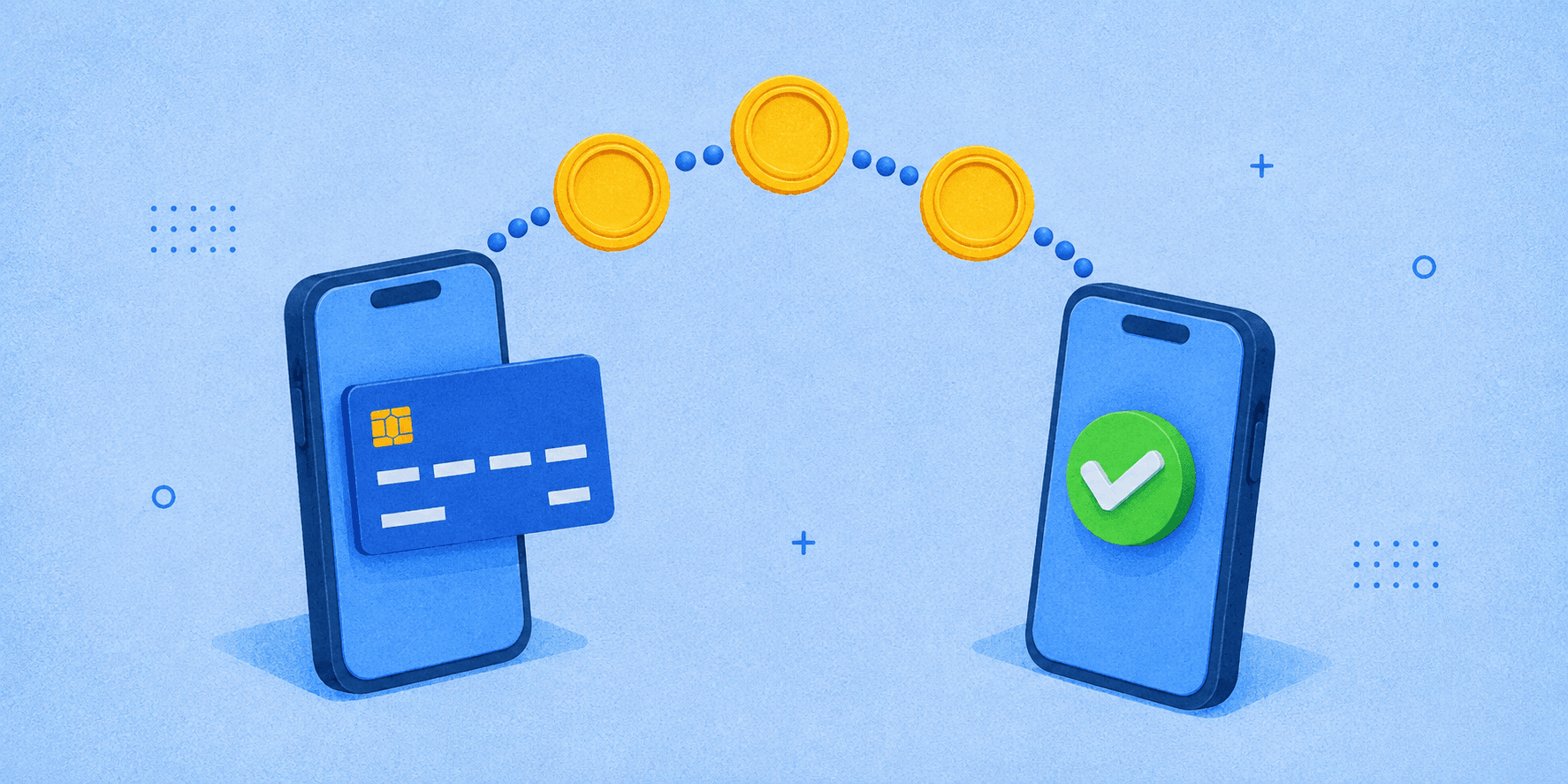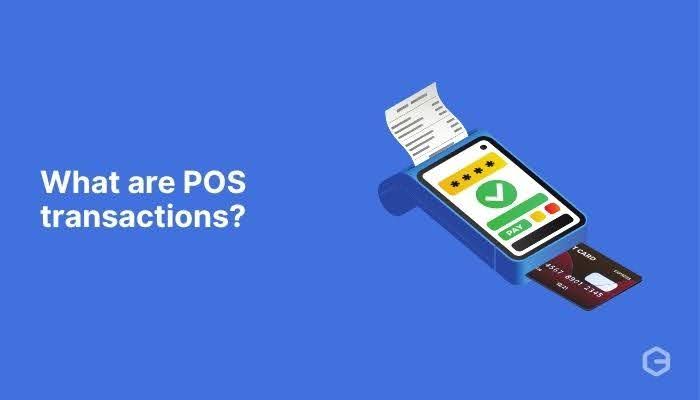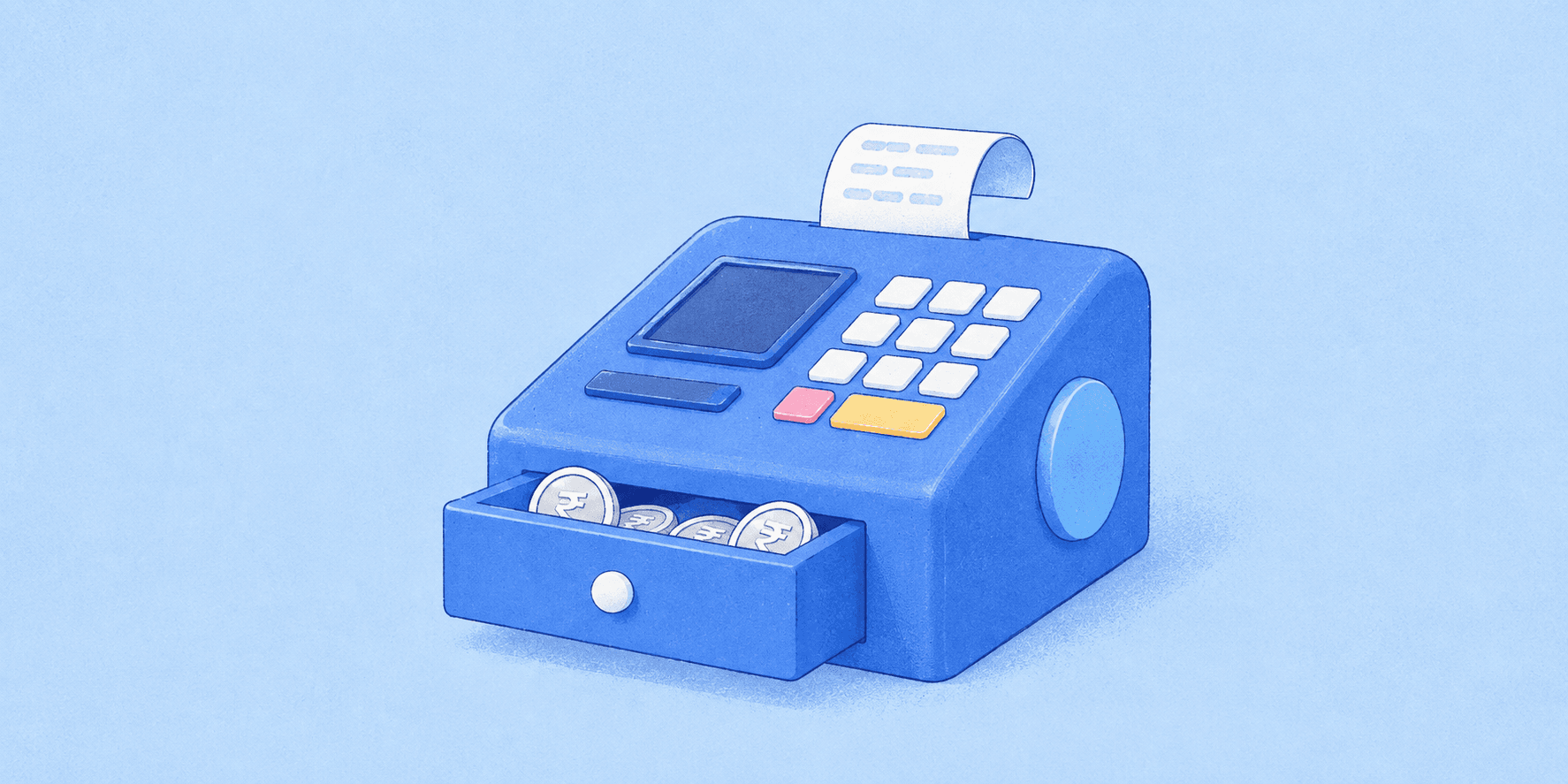

The full form of POS is Point of Sale, the place where a customer pays for goods or services.
A POS system is the hardware and software, such as a card machine, UPI/QR scanner, and billing software, that businesses use to accept payments and track sales.
A café can take a tap-to-pay order on a tablet. A supermarket can scan hundreds of items through a fixed checkout. A pop-up seller can accept a card on a phone.
All three are using a Point of Sale (POS) system.
A POS system combines hardware, software, and payment technology to complete a sale and can also manage inventory, receipts, customer data, staff access, and reporting.
A POS system is the hardware and software, such as a card machine, UPI/QR scanner, and billing software, that businesses use to accept payments and track sales.
A café can take a tap-to-pay order on a tablet. A supermarket can scan hundreds of items through a fixed checkout. A pop-up seller can accept a card on a phone.
All three are using a Point of Sale (POS) system.
A POS system combines hardware, software, and payment technology to complete a sale and can also manage inventory, receipts, customer data, staff access, and reporting.
TL;DR
- POS stands for Point of Sale: the place or system where a customer completes a purchase.
- A POS system can combine checkout software with hardware such as a terminal, scanner, printer, or card reader.
- Common types include traditional POS, cloud POS, mobile POS, self-service POS, and SoftPOS.
- A POS system and a payment terminal are not the same thing: the terminal handles payment acceptance, while the POS can manage the wider sale.
What is a POS system?
A Point of Sale system records and completes a transaction between a business and a customer.
At its simplest:
Product selected → price calculated → payment accepted → sale recorded → receipt issued
A modern POS can also connect the transaction to inventory, taxes, discounts, customer profiles, loyalty, accounting, and reporting.
For a retail store, the POS may be the checkout counter. In a restaurant, it may be a tablet used to take orders and collect payments. For a mobile seller, the POS may be a smartphone connected to payment software.
POS Full Form in Banking, Retail and GST
| Context | POS Full Form | What It Means |
|---|---|---|
| Banking | Point of Sale | A card machine or terminal, usually provided by an acquiring bank or payment provider, that accepts debit card, credit card, UPI, and contactless payments and settles the money into the merchant's account. |
| Retail | Point of Sale | The billing counter and the system behind it (hardware and software) where a store records sales, generates invoices, accepts payments, and updates inventory. |
| GST | Place of Supply | The location where goods or services are treated as supplied under GST. It decides whether a transaction is intra-state (CGST + SGST) or inter-state (IGST). |
In GST, POS does not mean Point of Sale. It means Place of Supply, a common source of confusion.
How does a POS transaction work?
1. The sale is created
The cashier scans an item, enters it manually, or selects it from the POS catalogue.
2. The POS calculates the total
The system applies prices, discounts, and applicable taxes.
3. The customer chooses how to pay
Depending on the setup, this could be cash, card, contactless payment, UPI, wallet, gift card, or another supported method.
4. The payment is authorised
For an electronic payment, transaction data moves through the payment provider and relevant bank or payment network for approval.
5. The sale is completed
The POS records the transaction, updates relevant inventory, and produces a physical or digital receipt.
Payment authorisation and POS recording are related but separate events. The POS records the sale, while the payment infrastructure handles approval and settlement.
What are the main components of a POS system?
| Component | What it does |
|---|---|
| POS software | Creates sales, applies prices/taxes, records transactions |
| Payment terminal/card reader | Captures card or contactless payment data |
| Barcode scanner | Identifies products quickly |
| Receipt printer | Produces physical receipts |
| Cash drawer | Stores and records cash transactions |
| Display/tablet | Runs the checkout interface |
| Inventory module | Updates stock as products are sold |
| Reporting tools | Tracks sales, refunds, staff, and product performance |
What are the different types of POS systems?
Traditional or on-premise POS
Software and data are primarily managed on local business hardware.
Cloud POS
Sales data synchronises through cloud infrastructure, enabling remote access and multi-location management.
Mobile POS
A smartphone or tablet acts as the checkout interface, often paired with a compact reader.
Self-service or kiosk POS
Customers place orders or scan items themselves before paying.
SoftPOS
SoftPOS enables compatible smartphones or tablets to accept contactless card or wallet payments using NFC without a separate traditional card terminal.
POS Examples in India
- Kirana stores: A UPI QR code or soundbox at the counter lets customers pay instantly from any UPI app.
- Supermarkets: Billing counters scan barcodes, generate GST invoices, and accept card, UPI, or cash payments.
- Restaurants: Staff bring a handheld card machine to the table, or the billing software prints the bill and takes payment at the counter.
- Petrol pumps: Attendants use handheld POS terminals to accept card, UPI, and fuel-card payments at the pump.
- Cash on delivery: Delivery agents carry mobile POS devices so customers can pay by card or UPI at the doorstep instead of cash.
POS system vs payment terminal
A payment terminal is the device used to capture card or contactless payment data.
A POS system is broader.
| POS system | Payment terminal |
|---|---|
| Records the sale | Captures the payment |
| Can manage products and stock | Connects to payment-processing infrastructure |
| Can manage discounts, tax, staff, and reporting | Handles card/contactless interaction |
| May support cash and other methods too | Primarily a payment-acceptance device |
What are the benefits of a POS system?
A POS system can improve checkout speed, inventory visibility, reconciliation, multi-location reporting, and customer/loyalty management. The benefit depends on the product and integrations you choose.
| Benefit | How It Helps Your Business |
|---|---|
| Faster checkout | Accepts card, UPI, and contactless payments in seconds, reducing queues and wait times. |
| Accurate billing and GST invoices | Calculates totals and taxes automatically, cutting manual errors and producing GST-compliant invoices. |
| Real-time inventory tracking | Updates stock with every sale, so you know what's running low and can reorder on time. |
| Sales insights and reporting | Shows daily sales, best-selling products, and peak hours to support better business decisions. |
What challenges should businesses consider?
Integration: The POS needs to work with payment providers, accounting tools, inventory systems, and other business software.
Downtime: A cloud or connected POS should have a clear plan for internet or provider outages.
Security: Payment terminals and POS environments that store, process, or transmit cardholder data can fall within PCI DSS scope.
Cost: Consider hardware, software subscriptions, payment-processing fees, support, and upgrades rather than only the device price.
Scalability: A system that works for one shop may not suit ten locations or a complex inventory catalogue.
How secure are POS card payments?
PCI DSS applies to entities and systems that store, process, or transmit cardholder data, including relevant POS/payment-terminal environments.
For chip and contactless transactions, EMV technology uses transaction-specific cryptographic data to make counterfeit fraud harder. Businesses should also keep POS software patched, restrict access, and follow applicable PCI DSS requirements.
How do you choose a POS system?
Evaluate:
- Business type: Retail, restaurant, services, events, or multi-location?
- Payment methods: Cards, contactless, UPI, cash, wallets, or gift cards?
- Hardware needs: Fixed terminal, mobile device, kiosk, scanner, printer?
- Integrations: Accounting, CRM, ERP, e-commerce, and inventory?
- Reporting: Can you reconcile sales, refunds, and payments clearly?
- Security: What PCI DSS responsibilities apply?
- Offline resilience: What happens if connectivity fails?
- Total cost: Hardware, software, processing, support, and upgrades?
Where does PayGlocal fit?
A POS system primarily manages the in-store sale. Businesses selling internationally online need a separate cross-border payment layer.
PayGlocal supports international cards, Apple Pay, Google Pay, local payment methods, payment links, recurring payments, and localised checkout across 180+ countries, with payment success rates of up to 96%. Multi-Currency Accounts support 130+ global currencies through local bank rails.