
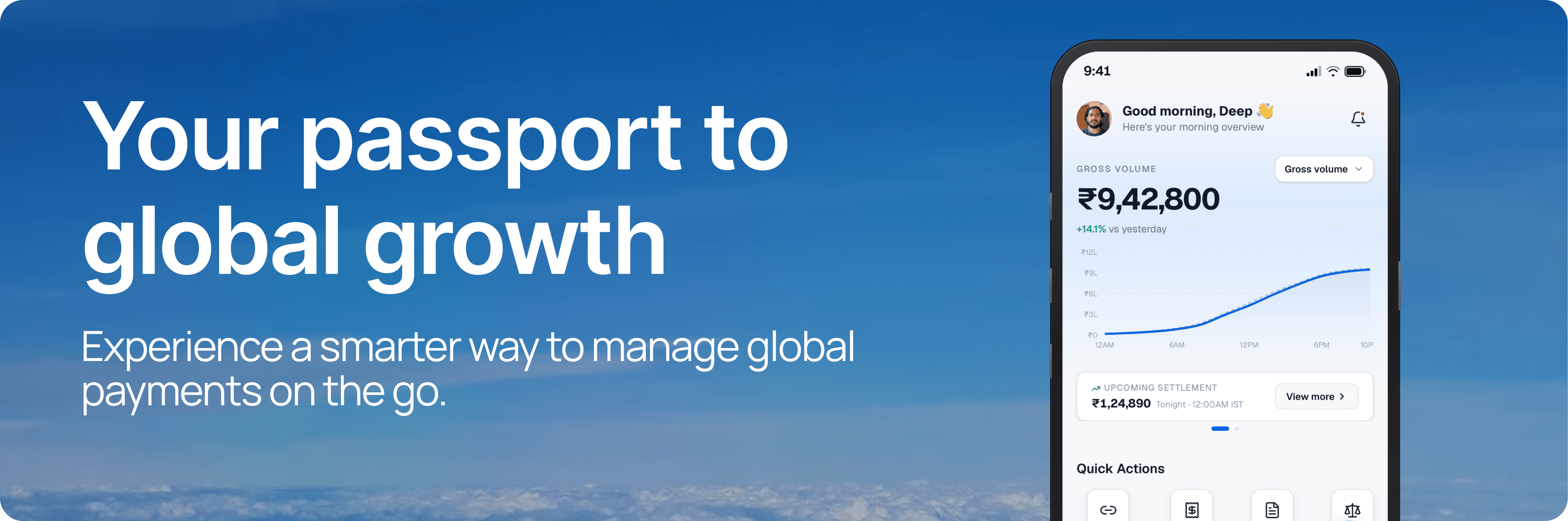
Running a business does not pause when you step away from your desk, so managing your payments should not either. PayGlocal Go is a merchant app that puts your core payment operations in your pocket, letting you track payment performance, create payment links, monitor transactions, and check settlements from your phone, wherever you are. Instead of opening a laptop and clicking through screens for every small task, you get real-time visibility into your business payments and international accounts in a few taps. Here is how the app helps you run your day-to-day payments end to end from mobile.
Running a business does not pause when you step away from your desk. So why should managing your payments?
Running a business does not pause when you step away from your desk. So why should managing your payments?
TL;DR
- PayGlocal Go is a merchant app that brings your core payment operations to your phone.
- With Go, you can track payment performance, transactions, and settlements from one place.
- You can also create and share payment links and invoices while you are on the move.
- Get real-time payment notifications so nothing slips past you.
- Access your international account and virtual account details from the app.
Why do businesses need a merchant app?
A merchant app matters because the information you need already exists. The real problem is getting to it fast.
Picture the gap. A customer is ready to pay while you are between meetings. A payment needs checking while you are on a train. A settlement is due and you want to know when the money lands, but you are standing in your store, not sitting at your laptop.
Desktop dashboards are useful, and PayGlocal Go does not replace yours. But a business does not operate from a desk all day. You are travelling, meeting customers, running a store, moving between locations. Every time a two-minute task makes you open a laptop, log in, and click through three screens, that task quietly costs you fifteen.
That is the friction a good merchant app removes. Not by adding features you do not need, but by making the ones you use every day reachable in seconds.
What is PayGlocal Go?
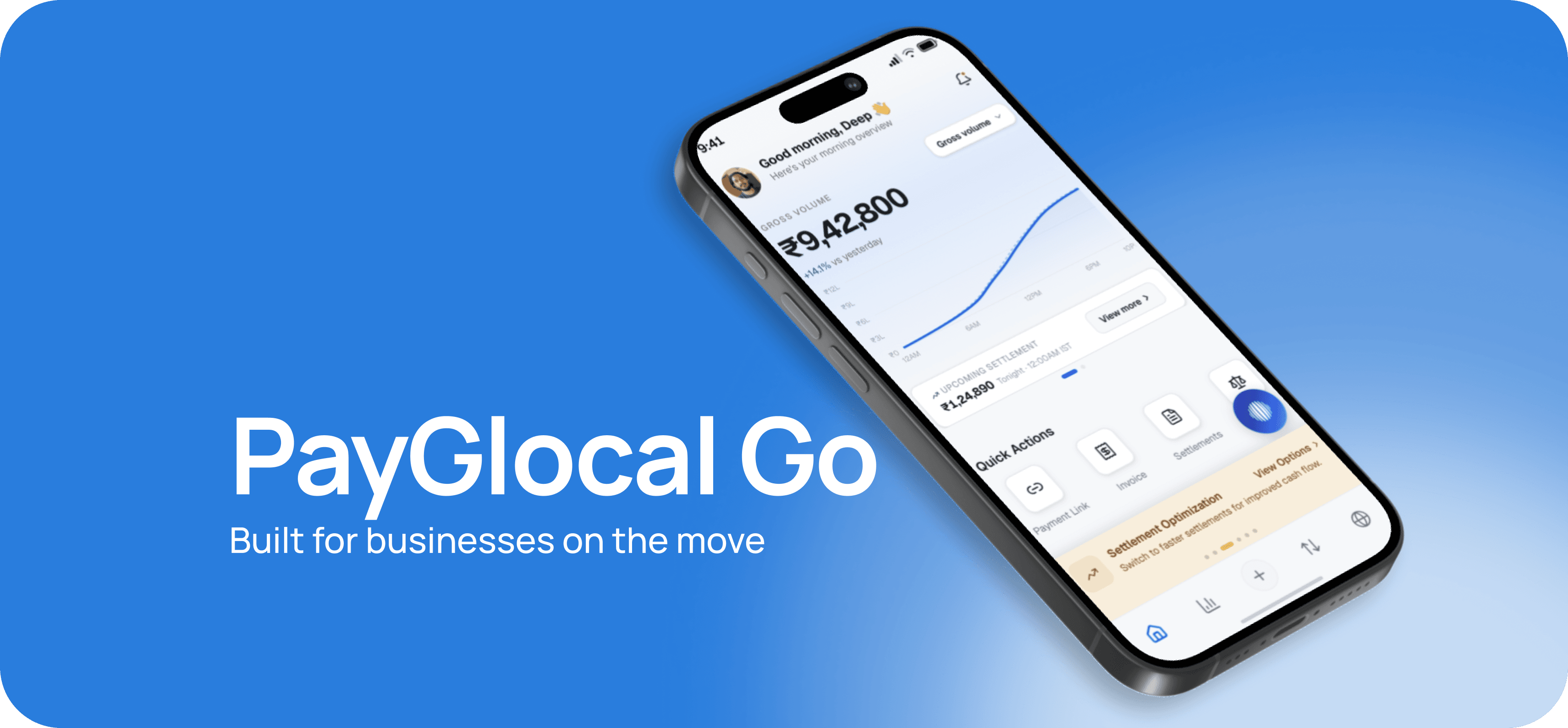
PayGlocal Go is a mobile app that lets merchants manage their payment operations from anywhere. Open it to get a quick read on your business: check payment performance, create a payment link, review a transaction, monitor settlements, or pull up your international account details.
Everything you reach for most sits in one place. The idea behind it is simple, and it shaped every screen I designed: your business should not be limited by where you happen to be standing.
At your store, travelling for work, with a customer, or away from your laptop, PayGlocal Go keeps you connected to your payments.
What can you do with PayGlocal Go?
You can run your day-to-day business payments end to end from your phone. Here is what that looks like in practice.
Create payment links from your phone
A customer is ready to pay and you are away from your desk. No problem. Create a payment link and share it in a few taps, without waiting to get back to a laptop. You can generate invoices the same way.
See how your business is performing
Get a quick view of your payment performance and key business metrics the moment you open the app. Less time hunting for a number, more time acting on it.
Keep track of your payments
Payments happen all day. View your transactions, payment links, payment statuses, and other key payment metrics from a single screen, so you always know where things stand.
Stay updated on your settlements
Know what has settled, what is upcoming, and when to expect your money. Monitor your settlement information directly from your phone, wherever you are.
Access your international accounts
Manage your [global payments](/multi-currency-accounts) from the same app. Eligible businesses can view their international account and virtual account details, so collecting [international payments](/international-payments-platform) does not mean logging into a separate system.
Get important payment notifications
From a successful payment to a settlement update, PayGlocal Go tells you when something needs your attention, so you can act at the moment it matters instead of finding out hours later.
It fits into the gaps, which is exactly where the old way used to cost you time.
A customer asks for a payment link. You open the app, create one, share it. Later you check whether the payment went through and review the transaction. You glance at your payment performance and your upcoming settlements before your next meeting.
None of that needed a laptop. None of it needed you back at your desk. That is the point of having your payment operations in your pocket.
Want to see it in motion? The [PayGlocal Go tutorial video](#) walks through the key features and the everyday workflows step by step.
Who is PayGlocal Go for?
PayGlocal Go is built for merchants who want to manage business payments wherever they work.
It fits you if you run an online business, manage a D2C brand, collect payments from international customers, work with clients across time zones, or simply run a growing business that does not sit still. If you accept payments, create payment links, track transactions, or manage settlements, the app helps you do more of it from your phone.
Is it safe to manage payments from a mobile app?
Yes. PayGlocal is authorised by the Reserve Bank of India as a Payment Aggregator Cross Border, Inward and Outward (PA-CB-I&O), and as an Online Payment Aggregator (PA-O), and is part of the ICICI Bank Group. PayGlocal Go is built on the same platform and the same security posture as your PayGlocal dashboard.
You log in with your existing PayGlocal credentials, so there is no separate account to secure and no new set of details to manage. The data you see on your phone is the same data you trust on desktop, handled to the same standard.
How do you get started with PayGlocal Go?
Getting started takes minutes. If you already use PayGlocal, download the app and log in with your existing credentials. That is it. Your business, your links, your transactions, and your settlements are ready on your phone.
Your business does not stop when you leave your desk. With PayGlocal Go, your payments do not have to either.
Manage payments. Track performance. Create payment links. Monitor transactions. Check settlements. All from your phone, without opening a laptop for every small task.
Your payment operations are now in your pocket.