Prepare your monthly
EDF in minutes
Upload your export invoices, check the details and download a filled Export Declaration Form, ready to hand to your bank.
Free, no sign-up. Your PAN and bank details stay in your browser.
Upload your invoices
PDF, PNG or JPG. We read the details for you.
Check the invoice details
Fix anything we got wrong and add your SAC code.
Add your bank details
Your PAN, bank branch and AD code.
Download your EDF
A filled Export Declaration Form as a PDF.
Submit it to your bank
Sign the form and file it with your AD bank. PayGlocal does not submit it for you.
What to know before you file your EDF
An Export Declaration Form is the monthly declaration an exporter of services or software gives their authorised dealer (AD) bank for the invoices raised to foreign buyers. Rules change, so confirm the current timelines with your AD bank.
Cover all the invoices you raised that month in one EDF.
Counted from the end of the month the invoice is raised in. Your bank can extend it if you ask with a reason.
Counted from the invoice date. 12 months if you bill in INR.
Some individual exporters and freelancers may be treated differently. Ask your AD bank whether you need to file.
How an EDF moves
Your part ends once you file. From there, your bank logs it, matches the payment and closes it off.
- Step 1 · You
Raise invoices
During the month
- Step 2 · You
File the EDF
Within 30 days of month‑end
- Step 3 · Your bank
Logged in EDPMS
Within 5 working days of your bank receiving it
- Step 4 · Your bank
Payment matched
Within 9 months of the invoice (12 if billed in INR)
- Step 5 · Your bank
Entry closed
Your bank marks it off once payment is confirmed
Ready for step 2? Prepare this month's EDF here.
Create new EDFHave these ready
It takes a few minutes when you have them to hand.
Your invoices
PDF, PNG or JPG
Business PAN
Required on the form
Bank branch IFSC and AD code
Where your payments land
SAC code
One for each service
Exchange rate
To convert each invoice to INR
GSTIN, IEC, contract number
Optional, if you have them
Where to file
The place you submit the form depends on what you export.
- What you export
- File with
- Services from India (not software)
- Your AD bank
- Software from India
- Your AD bank or STPI
- SEZ unit (services or software)
- Your SEZ Development Commissioner
If things slip
- Filing late?
- Ask your bank for more time, and give a reason.
- Payment late?
- Ask your bank to extend the 9 months.
- No EDF filed?
- Your bank may not be able to log or match the payment properly. Speak to your bank early.
- Unpaid a year past due?
- Future exports may need advance payment or a letter of credit.
- Invoice up to INR 10 lakh?
- Your bank can close the entry on your own declaration instead of proof of payment. Confirm with your bank whether you still need to file.
Based on the FEMA (Export and Import of Goods and Services) Regulations, 2026, in force from 1 October 2026. Confirm filing rules, timelines and figures with your AD bank. This tool prepares the form. It does not file it with your bank. PayGlocal is not your bank or your legal adviser, and this page is general information.
PayGlocal is authorised by the Reserve Bank of India as a Payment Aggregator - Cross Border - Inward & Outward (PA-CB-I&O), which covers both directions of cross-border flow.
Frequently asked questions.
An EDF is the declaration an exporter of services or software files with their authorised dealer (AD) bank for export invoices raised in a month. It lets the bank track that the export proceeds are realised in India.
Exporters of services or software who raise invoices to foreign buyers. Some individual exporters and freelancers may be treated differently, so ask your AD bank whether you need to file.
Within 30 days from the end of the month the invoices were raised in, with one EDF covering all of that month’s invoices. Your bank can extend the deadline if you ask with a reason.
No. The tool prepares a filled EDF as a PDF. You sign it and file it with your AD bank, or with STPI or your SEZ Development Commissioner, depending on what you export. PayGlocal does not submit it for you.
Your invoices, PAN and bank details stay in your browser and are not sent to PayGlocal. If you save a draft on this device, it is kept for 7 days so you can pick up where you left off, then deleted. You can turn saving off or delete the draft at any time.
The tool fills in the details an EDF asks for. Some AD banks use their own format, so check with your bank before you submit, and copy the details across if they need their own form.
You check every detail before the form is made. Fix anything we got wrong and add your SAC code, and the form uses your corrected values.
Free tools for your export payments
Currency Converter
Convert between 35+ currencies at real-time mid-market rates.
Open tool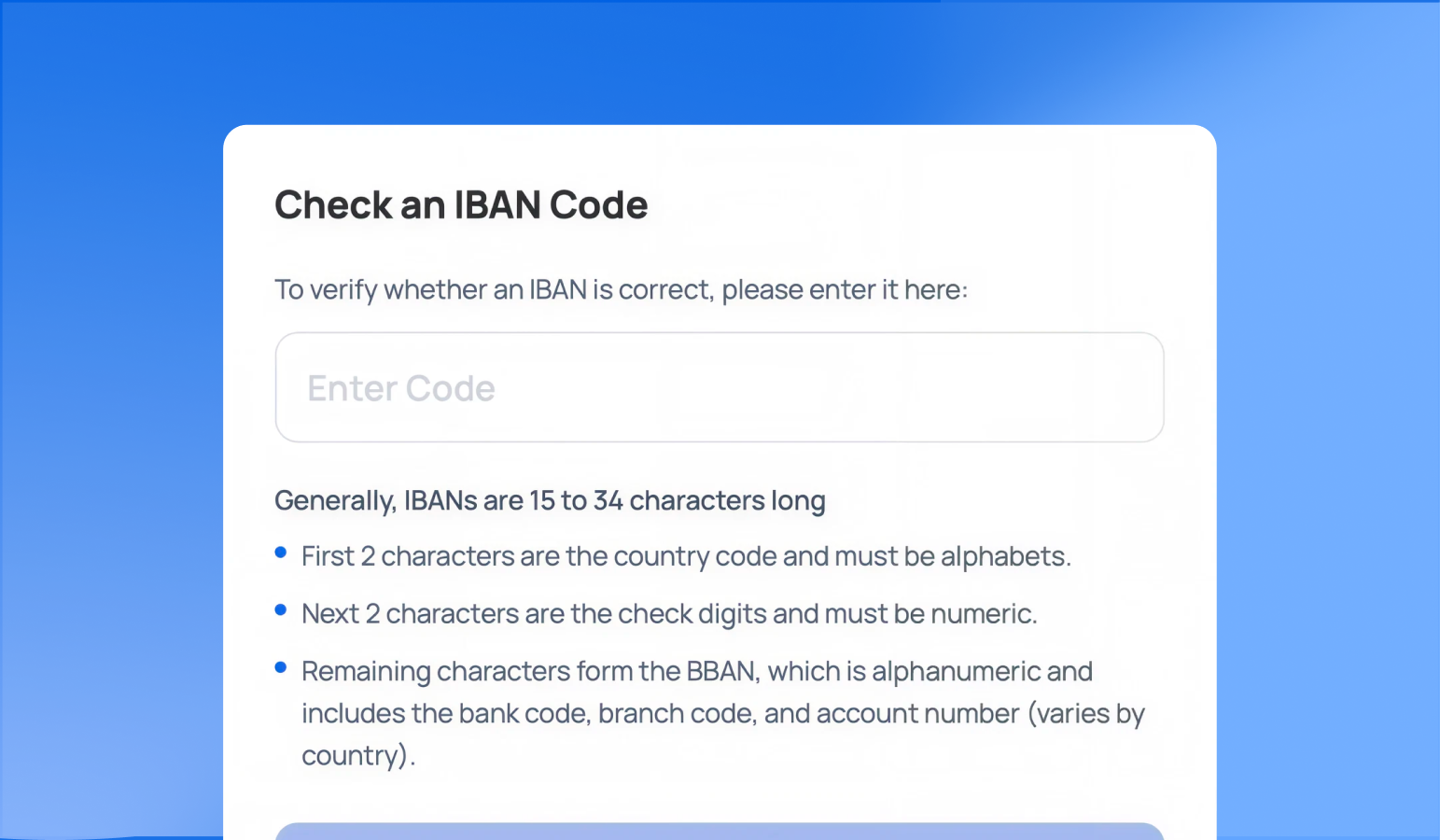
IBAN Validator
Validate any IBAN and see the country, bank code, and account details.
Open tool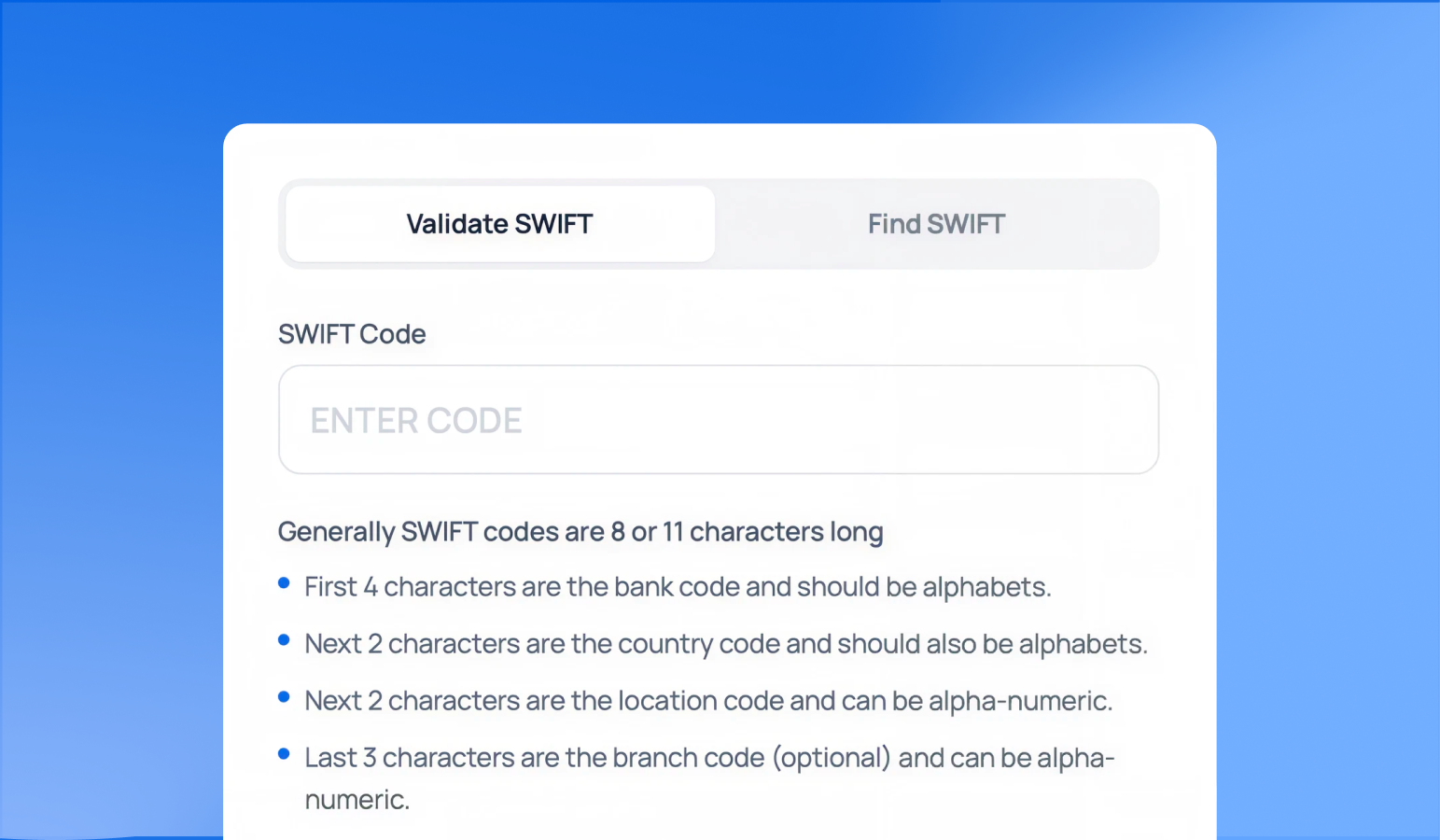
SWIFT/BIC Code Finder
Validate a SWIFT/BIC code or find one by bank, country, and city.
Open tool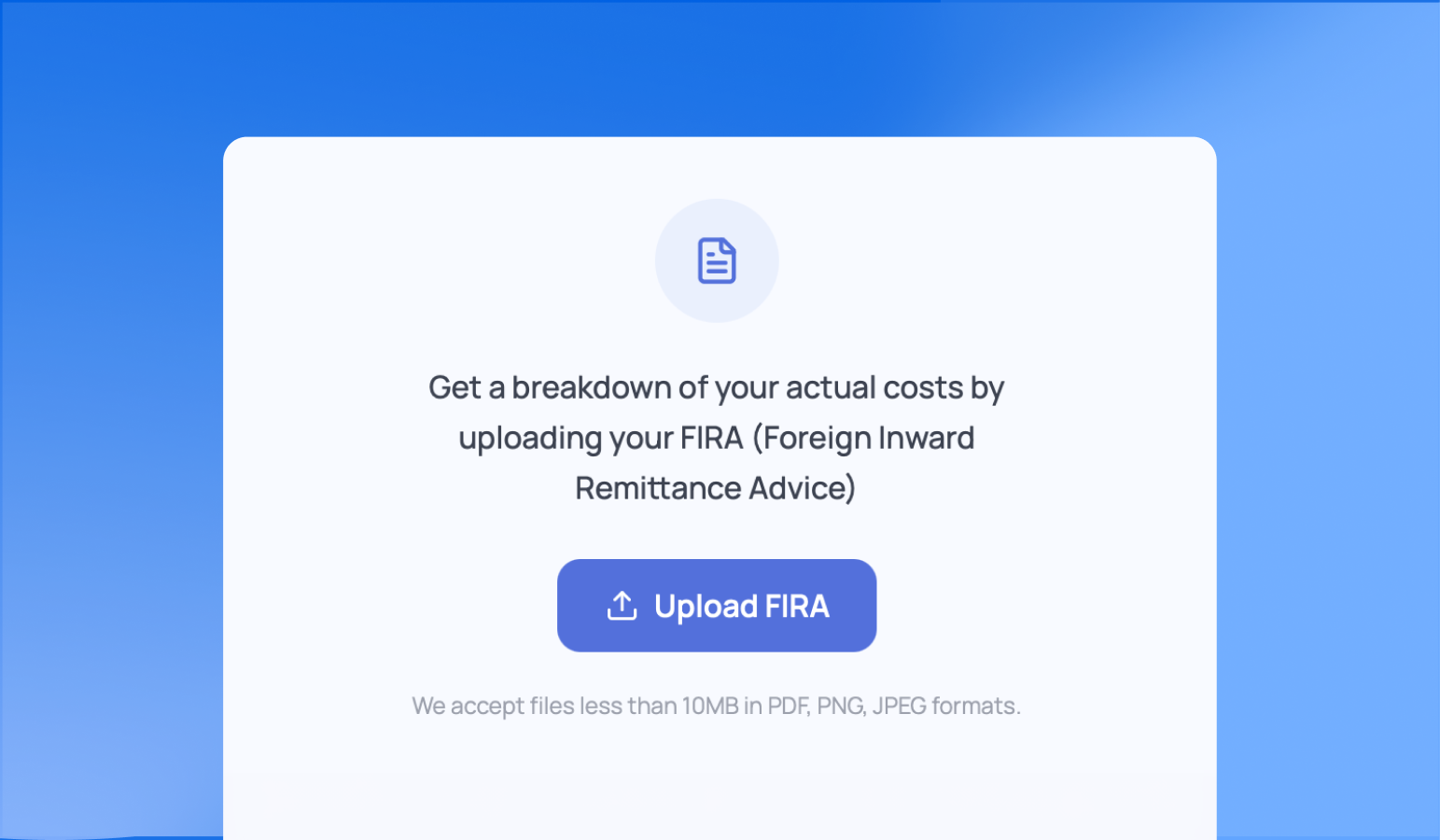
FIRA Analyzer
Upload your FIRA to see the real cost and effective FX markup.
Open toolPrepare this month's EDF in minutes.
Free to use. No sign-up.